Sheet and part dimensions
Enter sheet size and rectangular part size without opening CAD.
CutKit 2
Plan rectangular parts on sheets with margins, gaps, orientation rules, and clean exports without CAD, spreadsheets, or manual recalculation.


Built for quick rectangular sheet planning in real material workflows.
Why it exists
CutKit 2 stays close to the job: define the sheet, define the part, tune real-world constraints, then export or share the result.
Enter sheet size and rectangular part size without opening CAD.
Account for edge padding and spacing between every part.
Let parts rotate or force one orientation when material direction matters.
Adjust a number and inspect the updated layout immediately.
Share clear output for documentation, workshop use, or downstream tools.
Move a layout between devices with encoded calculation parameters.
Core layout work runs locally without an account or backend requirement.
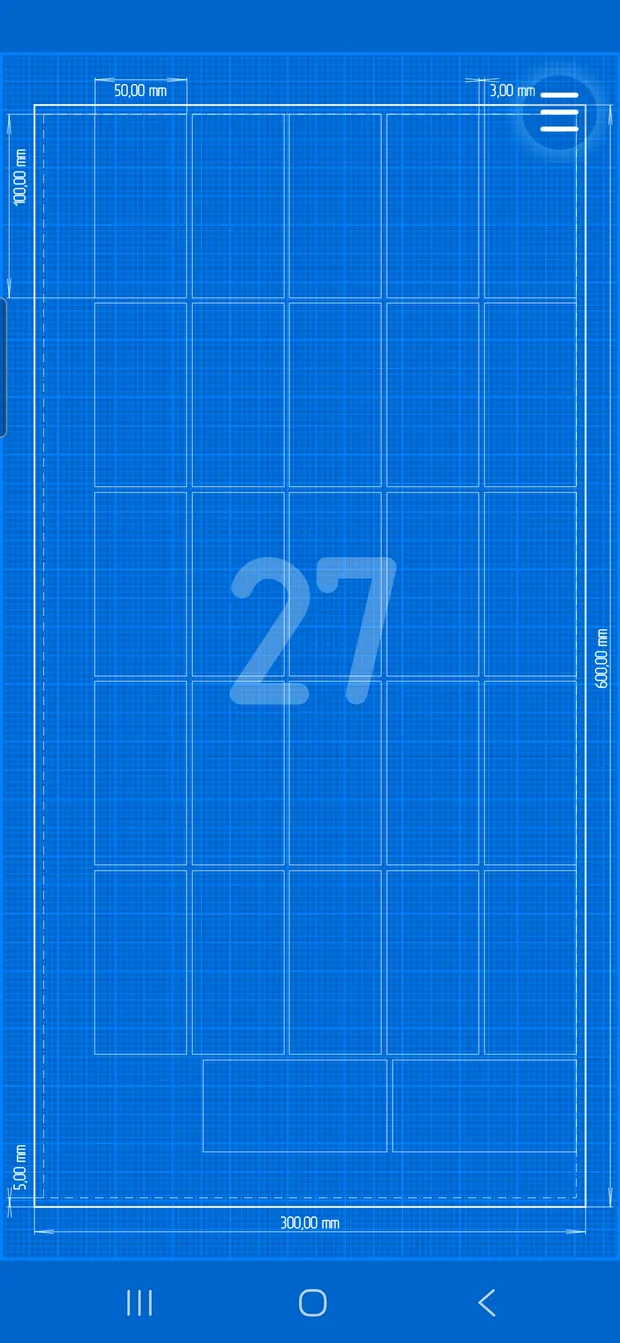
Review count, waste, and placement in a technical grid-style view.
Real app screens
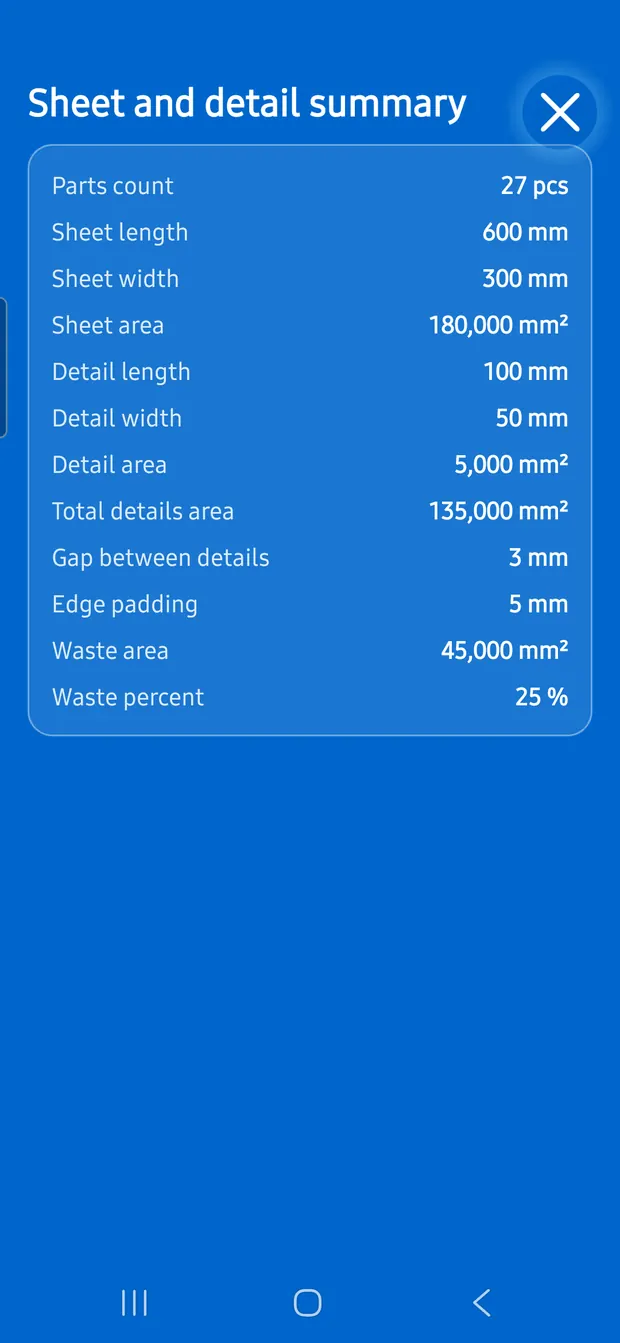
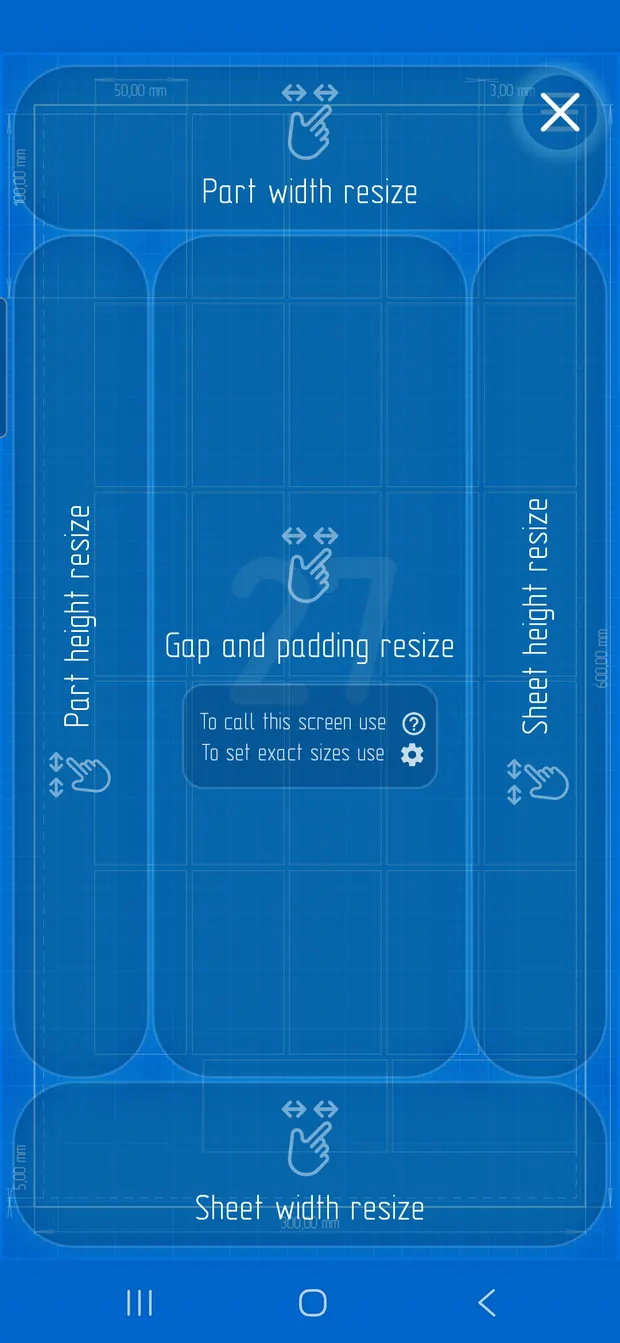
These screenshots come from the current CutKit 2 app and show the blueprint result, resize guidance, and calculation summary.
Useful for
PDF and DXF output are part of the current app workflow.
QR and deep-link flows preserve layout parameters across devices.
A focused rectangular layout optimizer, not workshop management software.