Progress photo diary
Keep separate photo sets for visual body-progress tracking over time.
FitProgressor
Take aligned progress photos, compare your transformation over time, and create clean before/after visuals privately and without turning fitness into a social feed.


Why it exists
FitProgressor keeps the product surface focused on visual progress: repeatable photos, clear comparison, timeline context, and export when you want to share.
Keep separate photo sets for visual body-progress tracking over time.
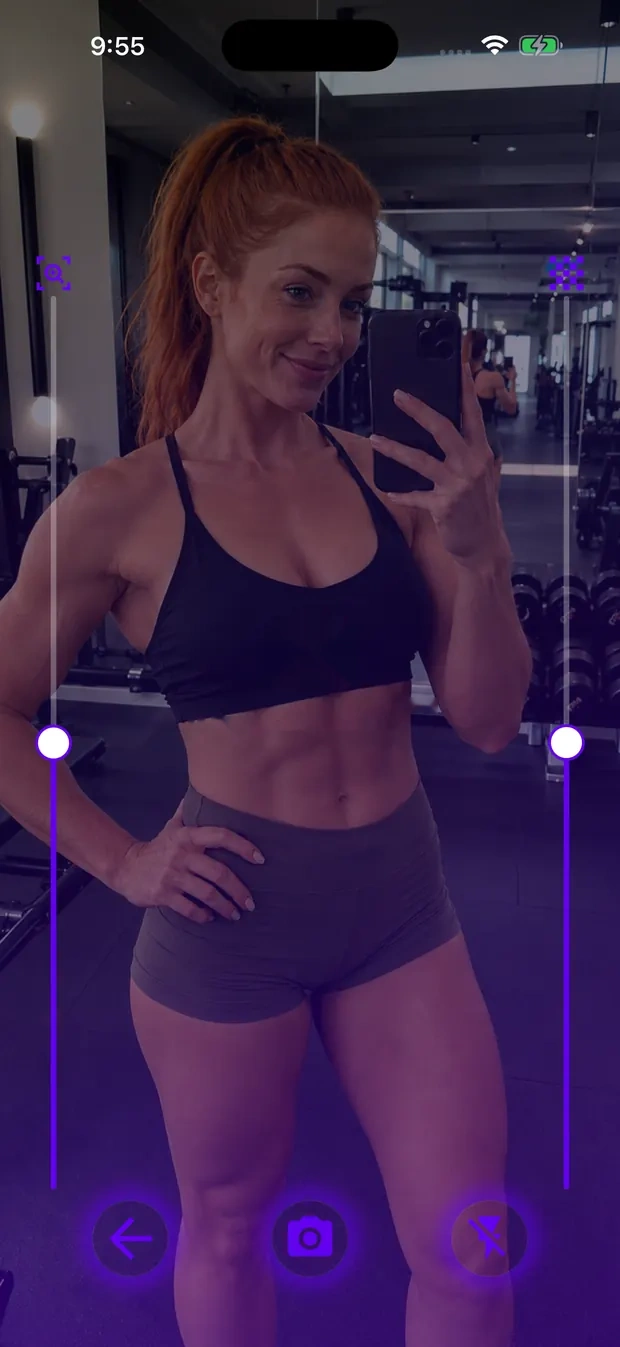
Use the previous photo overlay to line up framing, distance, and posture.
Compare two photos directly with a split slider view.
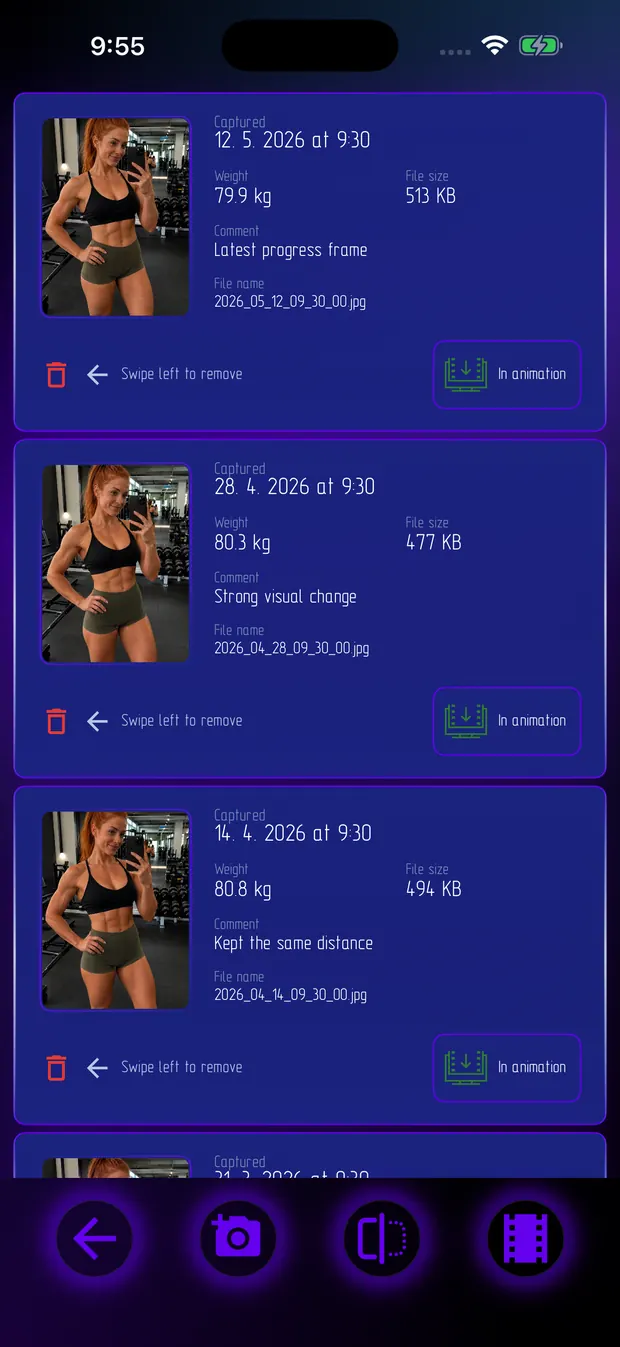
Review captured photos with dates, weight, notes, and file details.
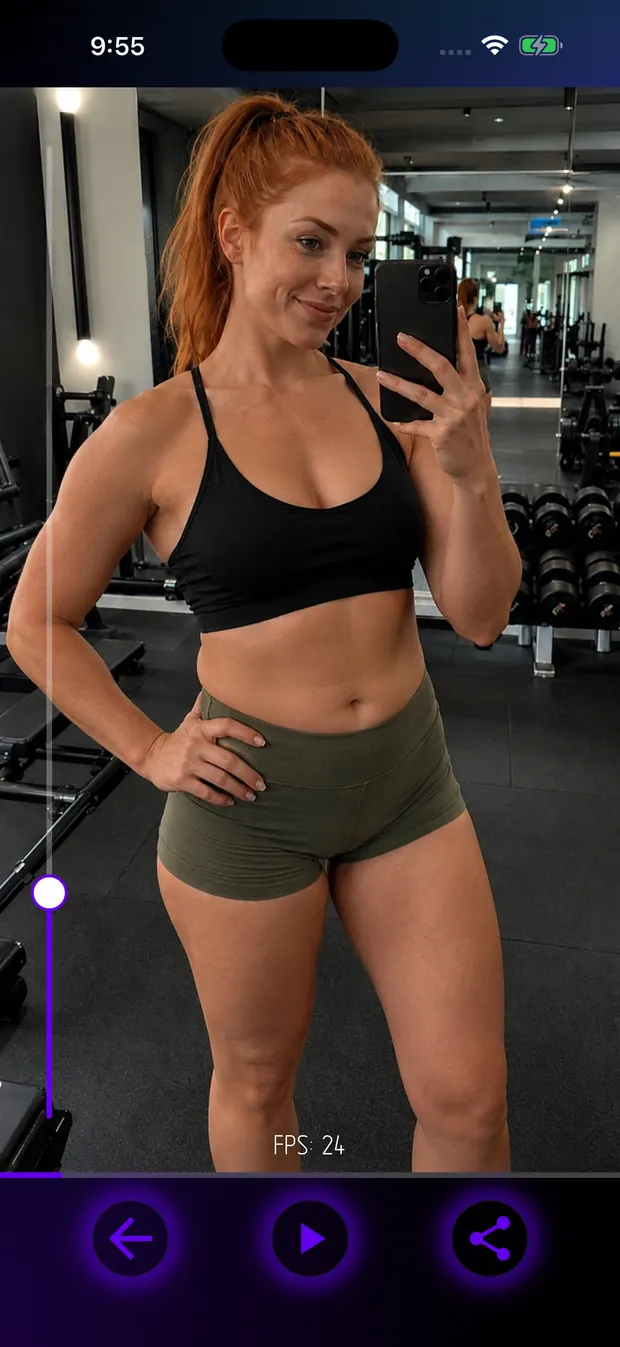
Create shareable GIF, MP4, or AVI progress animations from selected frames.
Attach weight and comments to photos when those details help the comparison.
Photos stay in app storage unless the user chooses to export or share them.
No workout feed, calorie database, step counter, or social network layer.
Real app screens
These screenshots come from current FitProgressor app builds and show the real photo diary, camera overlay, comparison, and animation workflow.
Useful for
Photo storage is app-local; sharing happens only when the user exports or sends media.
Before/after and overlay tools focus on visual change, not promises or scoring.
A body progress photo tracker, not a calorie tracker or social fitness network.